How to Design Card Layouts That Withstand Content Changes
Introduction
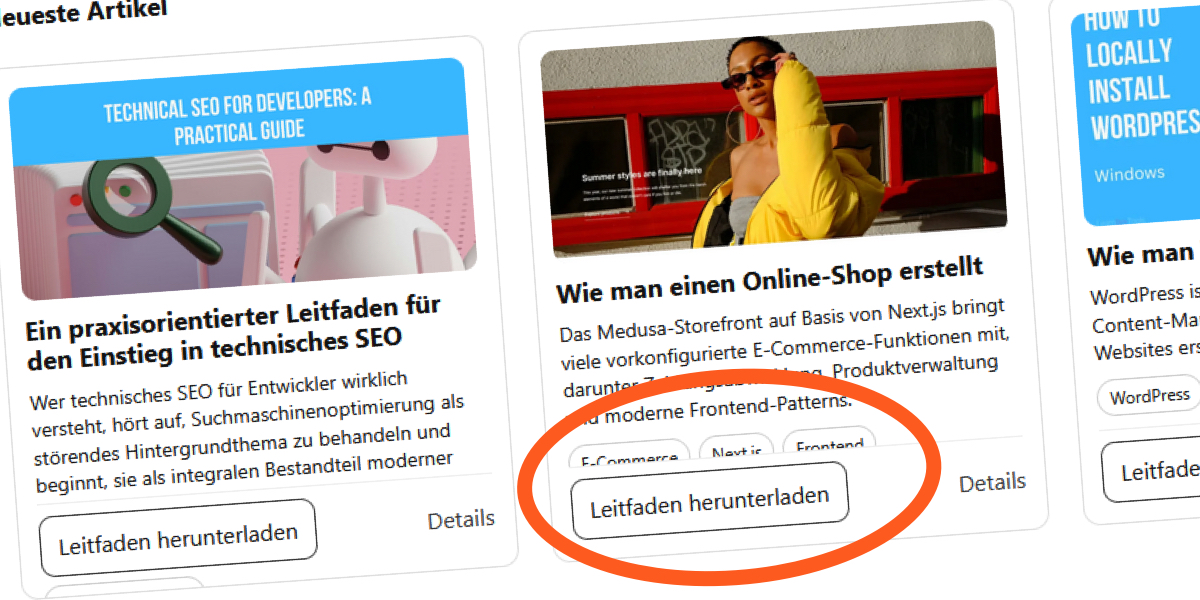
Cards are a staple of modern web design, but their elegance often crumbles when content changes unexpectedly. A layout that looks perfect with short English titles can break under translations, longer excerpts, or user-adjusted font sizes. The culprit? Fixed-height containers. This guide will show you how to build card layouts that remain robust, accessible, and visually consistent across any content scenario.
What You Need
- Basic knowledge of HTML and CSS
- A code editor (e.g., VS Code, Sublime Text)
- A modern web browser for testing (Chrome, Firefox, or Edge)
- Sample card component (can be from your project or a simple grid)
- Browser developer tools (F12)
Step 1: Understand Why Fixed Heights Are Fragile
Fixed-height cards create a rigid container that assumes content will never exceed a predetermined size. This assumption fails when:
- Content is translated into languages with longer words (e.g., German compounds)
- Users increase their default font size for readability
- Editors update titles or excerpts
The browser does not warn you—it simply clips or overflows content. Recognizing this fragility is the first step toward a flexible solution.
Step 2: Use Min-Height Instead of Fixed Height
Replace height: 300px; with min-height: 300px;. This allows the card to expand when content is taller than the minimum, while still providing a baseline alignment for shorter content. Apply it to the card container:
.card {
  min-height: 300px;
  display: flex;
  flex-direction: column;
}
Flexbox ensures that child elements (like title and excerpt) can stretch inside the card, but the card itself will grow if needed.
Step 3: Implement Safe Text Truncation
If you need to limit lines for visual consistency, use the -webkit-line-clamp technique without relying on overflow: hidden on the container. Instead, apply it only to the text elements and pair it with a flexible parent. For example:
.card__title {
  display: -webkit-box;
  -webkit-line-clamp: 2;
  -webkit-box-orient: vertical;
  overflow: hidden; /* safe on the text element itself */
  line-height: 1.2;
}
This truncates the title to two lines but does not limit the card’s height. The excerpt can follow the same pattern with a higher clamp value (e.g., 3 lines).
Step 4: Allow Content to Drive Card Height
Remove any fixed height from the card. Let the content determine the height naturally. If you need cards to align in a grid, use CSS Grid with align-items: stretch (default) so that all cards in a row share the same height based on the tallest content. That way:
- No card overflows
- Visual alignment is preserved
- Content changes are accommodated automatically
.card-grid {
  display: grid;
  grid-template-columns: repeat(auto-fill, minmax(300px, 1fr));
  gap: 1rem;
}
.card {
  display: flex;
  flex-direction: column;
  border: 1px solid #ddd;
  padding: 1rem;
}
Step 5: Test Across Different Scenarios
Before deploying, simulate real-world changes:

- Increase browser font size to 150% or 200% (CTRL + scroll or browser settings).
- Add longer content – replace short titles with longer ones (e.g., "The Impact of Climate Change on Coastal Ecosystems").
- Translate sample text into languages like German, French, or Arabic (right-to-left also tests direction).
- Resize viewport to narrow widths (mobile) and very wide (desktop).
Use developer tools to inspect if any text is clipped or if cards overlap. Adjust min-height or padding as needed.
Step 6: Add Fallbacks for Extreme Cases
In rare situations where truncation is necessary (e.g., limited space in a carousel), provide a fallback:
- Use
aria-labelon truncated elements for screen readers to read full content. - Add a "Read more" link that expands the card or navigates to a full article.
- Set a
max-heightwithoverflow: autoso users can scroll inside the card if needed.
Always prioritize accessibility: never hide content that is important for understanding without an alternative.
Conclusion & Tips
Fixed-height cards are a common pitfall, but with these steps you can create layouts that gracefully adapt to content variability. Remember these key tips:
- Tip 1: Always test with real or worst-case content at the design stage.
- Tip 2: Prefer
min-heightoverheight. It provides a floor, not a ceiling. - Tip 3: When using line-clamp, apply
overflow: hiddenonly to the text element, not the card. - Tip 4: Use CSS Grid or Flexbox to let cards share height naturally.
- Tip 5: Provide alternative ways to access truncated content (e.g., tooltips, expand buttons).
- Tip 6: Regularly audit your components for content changes—automated visual regression tests can catch breaks early.
By following these guidelines, your card layouts will remain robust, user-friendly, and ready for any content the future brings.