PCIe 5.0 SSDs: Who Actually Needs Them? A Practical Decision Guide
Introduction
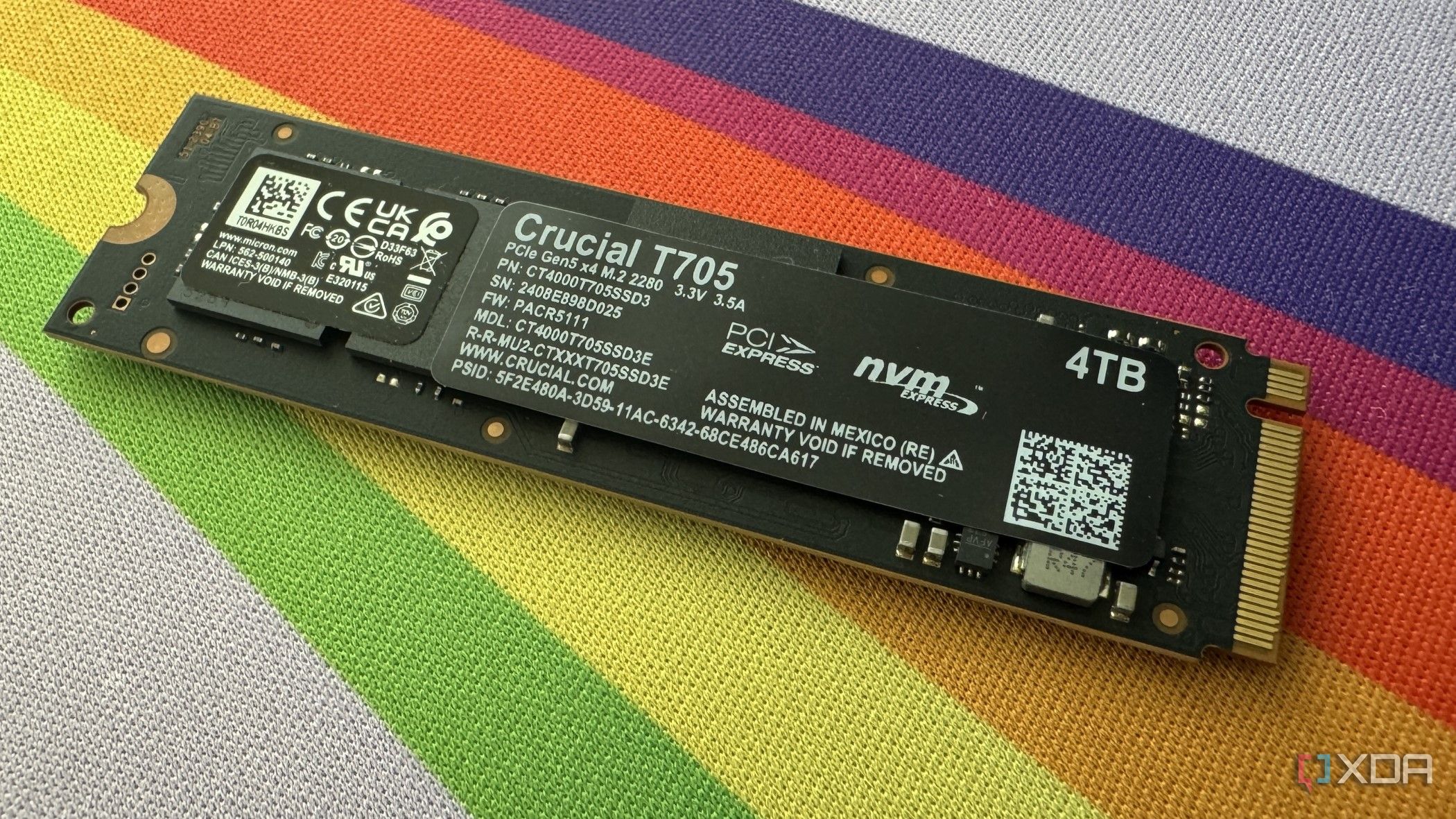
PCIe 5.0 (Gen5) SSDs have been available for a few years now, and prices even dipped to relatively accessible levels before a recent DRAM crisis disrupted the market. Yet adoption remains slow. Many users still run PCIe 4.0 systems, and building a new PC with Gen5 support is costly. Moreover, the blazing-fast speeds advertised for Gen5 drives rarely translate to tangible benefits for most gamers—PCIe 4.0 SSDs remain more than adequate for gaming. However, for users engaged in heavy file transfers or demanding productivity workloads, a Gen5 SSD can be a game-changer, fully justifying the premium price. Before you invest in an expensive drive boasting 15,000 MB/s speeds, it’s crucial to determine whether it truly aligns with your needs. This guide walks you through a step-by-step process to make an informed decision.
What You Need
- Your current system specifications – CPU, motherboard, and existing storage type (SATA, NVMe PCIe 3.0/4.0).
- A list of your typical tasks – Include games you play, software you use for work, and file transfer habits.
- Budget information – Know how much you’re willing to spend on storage upgrades.
- Performance benchmarks – Look up real-world test results for Gen5 drives in your intended use cases.
- Compatibility check resources – Motherboard manual or manufacturer website to confirm PCIe 5.0 support.
Step-by-Step Guide
Step 1: Evaluate Your Primary Workload
The first step is to identify what you do most with your computer. This will determine whether a Gen5 SSD adds value.
- Gaming: If gaming is your main activity, a Gen5 SSD offers negligible improvements over a good Gen4 drive. Load times in games are already very short with Gen4, and the difference in level loading or boot times is often just a second or two. Most games are GPU-limited, not storage-limited. Stick with Gen4 or even Gen3 for cost savings.
- Heavy File Transfers: If you regularly move large files—such as video editing projects, 3D renders, or data sets—Gen5 drives can significantly reduce transfer times. For example, copying a 100GB project might take 30 seconds on Gen5 vs. a minute on Gen4. This is a genuine productivity boost.
- Productivity Workloads: Tasks like video editing, 3D modeling, CAD, scientific simulations, or running virtual machines can benefit from Gen5’s high sequential and random read/write speeds. Applications that constantly load large assets from disk will see smoother performance.
Step 2: Check System Compatibility
Not all systems can take advantage of PCIe 5.0. Verify the following:
- CPU: You need a recent Intel (12th Gen or newer, excluding certain models) or AMD Ryzen 7000 series or newer that includes PCIe 5.0 lanes.
- Motherboard: The motherboard must have a M.2 slot that supports PCIe 5.0. Check the manual or specs online. Even if the CPU supports it, an older motherboard won’t provide the interface.
- Thermal Considerations: Gen5 drives run hot. Ensure your case has adequate airflow and consider aftermarket heatsinks if the motherboard doesn’t include one. Some drives come with hefty coolers.
Step 3: Compare Real-World Performance vs. Cost
Don’t rely solely on sequential speed numbers—they are marketing figures. Look for benchmarks in your specific workload.
- For gamers: Load time tests show that a Gen4 SSD loads games nearly as fast as Gen5. The difference is often less than 5%. The premium you pay for Gen5 might be better spent on a faster GPU or more RAM.
- For creators: In tasks like 4K/8K video editing, large dataset processing, or compiling code, Gen5 can cut time significantly. Analyze if the time saved justifies the cost. For example, if you export videos daily, a 30% reduction in export time might be worth the investment.
- For everyday use: Browsing, office apps, and light gaming see no improvement. Save your money.
Step 4: Consider Alternative Upgrades
Before buying a Gen5 drive, ask yourself if other upgrades could improve your experience more.
- GPU upgrade: For gamers, a better graphics card will have a far greater impact on frame rates than any storage change.
- More RAM: If you’re running out of memory, adding RAM can prevent slowdowns that you might mistakenly attribute to storage.
- CPU upgrade: For productivity, a faster CPU often yields bigger gains than a faster SSD.
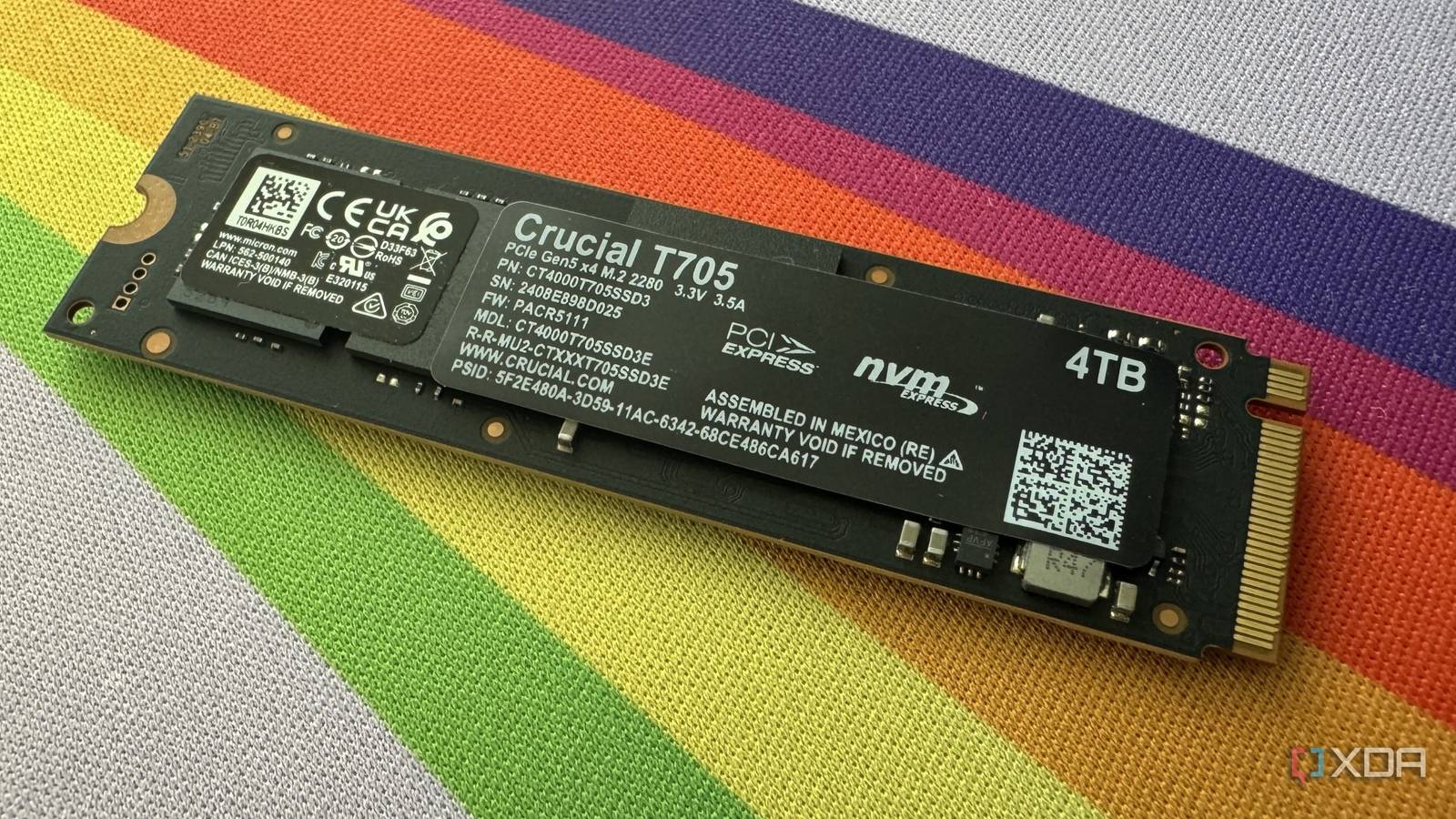
- Gen4 drive with large capacity: A 2TB or 4TB Gen4 SSD might be more beneficial than a smaller Gen5 drive, especially if you need space for projects.
Step 5: Make Your Decision
Based on the previous steps, decide whether to purchase a PCIe 5.0 SSD:
- If gaming or casual use: Skip Gen5. Get a high-quality Gen4 drive (e.g., Samsung 990 Pro, WD Black SN850X) — they are excellent and more affordable.
- If heavy file transfers or productivity: And you have the compatible system and budget, a Gen5 drive like the Crucial T700, Seagate FireCuda 540, or Samsung 990 Pro (with firmware updates) can be a worthwhile investment. Ensure you have proper cooling.
- If you’re building a new high-end workstation: Gen5 makes sense for future-proofing, but only if you currently have workloads that benefit.
Tips for Getting the Most Out of Your Storage
- Don’t overspend: Gen5 prices are higher due to low volume and newer controllers. They may come down in the future. If you don't need the speed now, wait.
- Use the right slot: PCIe 5.0 M.2 slots often share bandwidth with other components. Check your motherboard manual to avoid performance bottlenecks.
- Keep firmware updated: Manufacturer updates can optimize performance and fix bugs.
- Monitor temperatures: Use tools like HWiNFO or CrystalDiskInfo to ensure your drive stays under 70°C under load. Consider active cooling if needed.
- Consider capacity over speed: For many, having more storage is more important than extreme sequential speeds. A large Gen4 drive can be more practical.
In summary, while PCIe 5.0 SSDs are impressive, they are not a one-size-fits-all upgrade. By following this guide, you can make a cost-effective decision that truly enhances your computing experience.