Resolving HEIC Image Display Issues in Ubuntu 26.04 LTS: A Step-by-Step Guide
Introduction
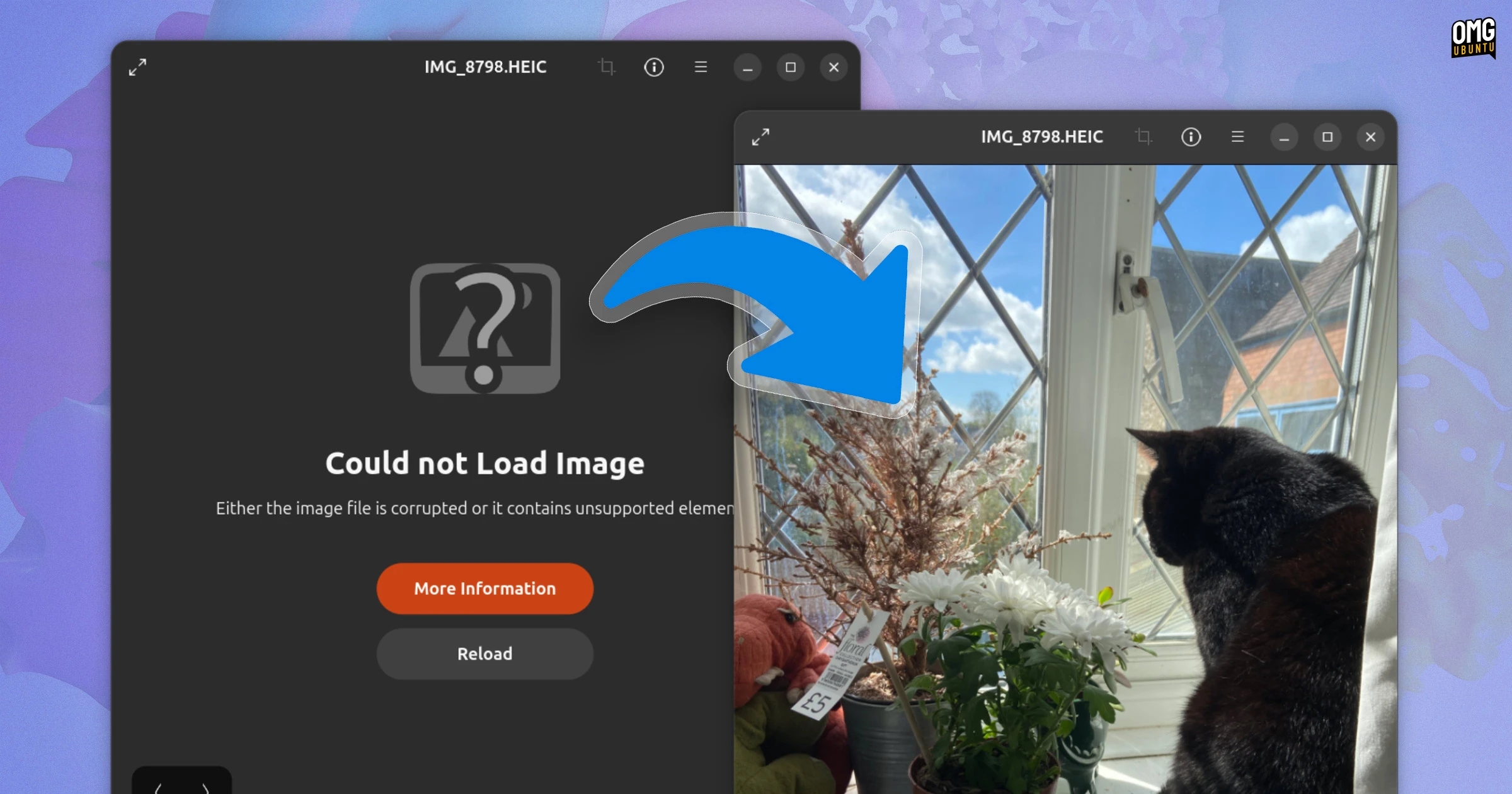
If you’ve recently upgraded to Ubuntu 26.04 LTS and tried to open HEIC photos from your smartphone, you may have encountered the frustrating “Could not load image” error in the default Image Viewer. This isn’t a random bug—it’s an intentional change in the system’s package dependencies. Fortunately, the fix is straightforward. In this guide, we’ll explain why this happens and provide clear steps to restore HEIC compatibility.

Understanding the HEIC Problem
HEIC (High-Efficiency Image Container) is a variant of the HEIF (High-Efficiency Image File Format) standard, which uses H.265/HEVC compression. Modern smartphones—including iPhones and many newer Android devices—save photos in this format by default to save storage space without sacrificing quality. However, Ubuntu 26.04 LTS no longer includes a built-in decoder library for HEIC images. While earlier versions of Ubuntu had this support preinstalled, the latest LTS release has deliberately removed it by altering dependency chains, meaning the necessary libraries are no longer pulled in automatically.
Why Ubuntu 26.04 LTS No Longer Supports HEIC Out of the Box
The decision to drop HEIC support stems from licensing and maintenance concerns. The H.265 codec requires patent licenses in many regions, and Ubuntu’s default software repositories avoid including such codecs unless explicitly requested by the user. As a result, the heif-gdk-pixbuf and related libraries are not installed by default, causing the Image Viewer to fail when opening .heic files.
How to Fix HEIC Images Not Loading
There are two main approaches to restore HEIC support in Ubuntu 26.04 LTS. The first involves installing the missing decoder through the terminal, while the second uses an alternative image viewer that handles HEIC natively.
Method 1: Install the HEIC Decoder Library via Terminal
The most direct fix is to install the heif-gdk-pixbuf package, which provides the necessary decoder for the default Image Viewer. Follow these steps:
- Open a terminal window (press Ctrl+Alt+T).
- Update your package list:
sudo apt update - Install the HEIF support library:
sudo apt install heif-gdk-pixbuf - Optionally, install the
libheif-examplespackage for additional tools:sudo apt install libheif-examples
After installation, close and reopen the Image Viewer. Your HEIC photos should now load without errors. If the issue persists, try restarting your session or running sudo apt upgrade to ensure all dependencies are met.
Method 2: Using a Third-Party Image Viewer
If you prefer not to modify system packages, you can switch to an image viewer with built-in HEIC support. Popular options include:
- GIMP (with the HEIF plugin)
- nomacs – a lightweight image viewer
- gThumb – supports HEIC via the same library
To install nomacs, for example, run: sudo apt install nomacs. Launch it and open your HEIC files directly.
Preventing Future Issues
Once you’ve installed the decoder, HEIC images will work in most applications that use the system’s GDK Pixbuf library (such as Nautilus previews). To avoid similar problems with other rare formats, consider checking for missing codecs when you encounter “Could not load image” errors. Enable the universe repository if not already active (sudo add-apt-repository universe) to access a wider range of libraries.
Conclusion
The disappearance of HEIC support in Ubuntu 26.04 LTS is an intentional omission, but it’s easily resolved. Whether you install the missing library via terminal or opt for a third-party viewer, you’ll be able to view your smartphone photos without hassle. For most users, Method 1 (installing heif-gdk-pixbuf) is the quickest and most seamless solution. If you still encounter issues, revisit the methods above or consult the Ubuntu community forums for further assistance.