6 Reasons Why Onyx Boox Outshines the Kindle Scribe for E-Reader Note-Taking
When Amazon unveiled the Kindle Scribe, it promised a seamless blend of e‑reading and digital note‑taking. The ability to scribble annotations, mark up documents, and share them sounded like a game‑changer. However, for many early adopters, the reality fell short. The Kindle Scribe’s core limitation? Its tightly controlled software ecosystem—users could only use the stylus where Amazon allowed, which often wasn’t where they wanted it. Enter Onyx Boox. With an open Android platform and a focus on flexibility, Boox has delivered the e‑reader that Kindle Scribe only teased. Here are six key reasons why Boox devices have become the go‑to choice for serious note‑takers and readers alike.
1. Open Android Operating System
Unlike the locked‑down Kindle environment, Onyx Boox runs on a full Android OS. This means you can install virtually any Android app directly from the Google Play Store—Evernote, OneNote, Notion, or even third‑party PDF editors. The stylus works across all these apps, not just in a single proprietary notebook. You’re no longer confined to Amazon’s walled garden. Want to write in a Japanese reading app? Go ahead. Need to annotate a research paper in a specialized PDF reader? No problem. The open OS gives you true multitasking: split‑screen reading and note‑taking, floating windows, and custom widgets. It’s the freedom Amazon never allowed—and the reason Boox feels like a full productivity tool, not just a reading gadget.
2. Superior Stylus Integration Across All Apps
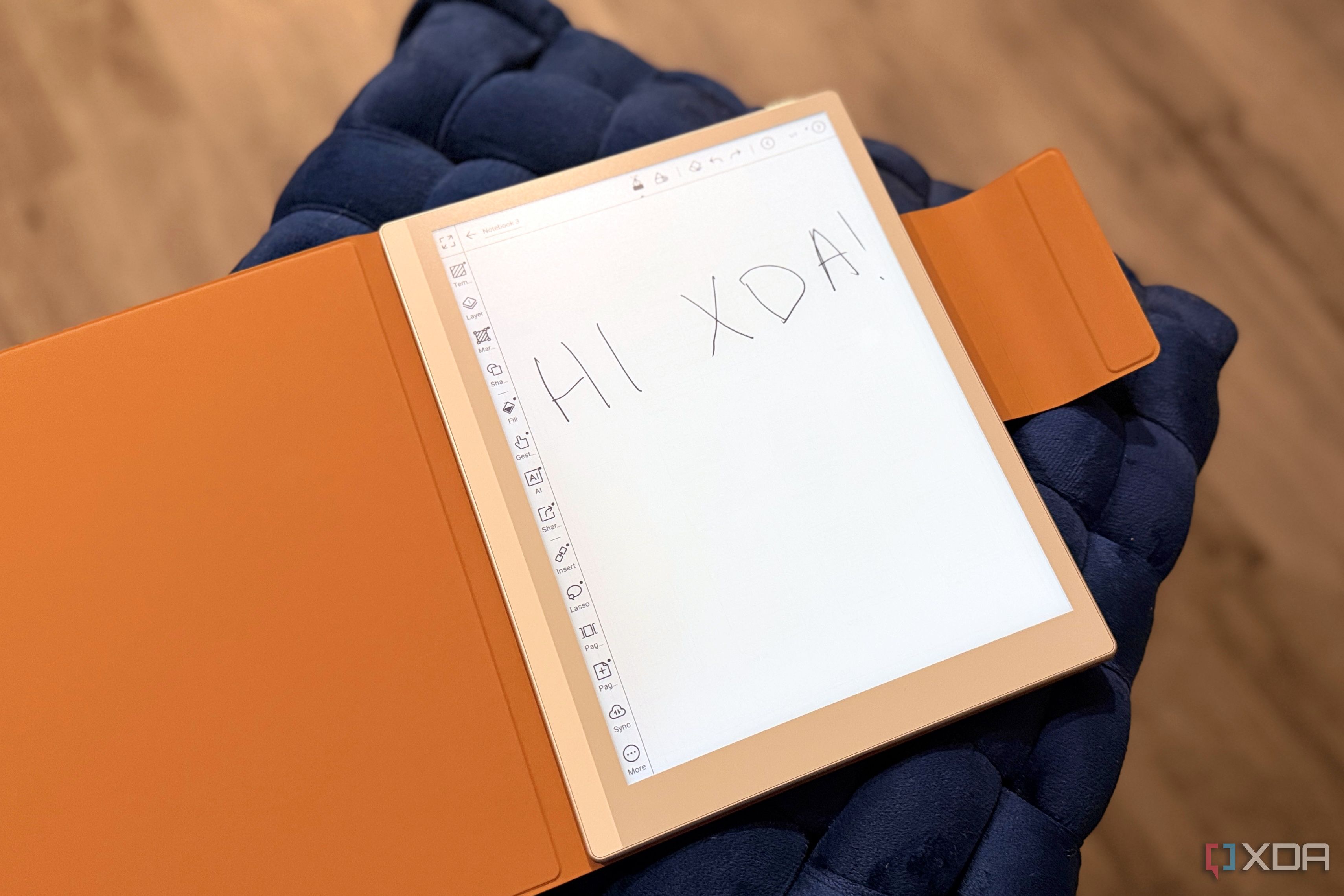
The Kindle Scribe stylus works flawlessly with Amazon’s own Kindle store and its built‑in notebook. But the moment you try to mark up a sideloaded PDF or write in a third‑party app, you hit a wall. Onyx Boox offers system‑wide stylus support. No matter which app you’re in, the stylus acts like a precise input device—perfect for handwriting, drawing, or annotating. Boox’s own Notes app is also incredibly powerful: you get multiple pressure levels, palm rejection, handwriting‑to‑text conversion, and the ability to organize notebooks into folders. Combined with Android’s flexibility, this means your handwritten notes become searchable, exportable, and shareable—exactly the promise the Kindle Scribe left unfulfilled.
3. Better Document and File Format Support
Amazon locks its e‑reader into the Kindle ecosystem, which primarily supports AZW3, KFX, and MOBI formats. PDF support exists, but annotation options are limited. Boox, on the other hand, handles a wide array of file types natively: PDF, EPUB, CBR, CBZ, DOCX, TXT, and many more. You can transfer documents via Wi‑Fi, USB, Bluetooth, or cloud services like Dropbox and Google Drive. Once on the device, you can annotate, highlight, and even reflow text in PDFs—something the Kindle Scribe struggles with. For students, researchers, and professionals who work with diverse file formats, this flexibility is a deal‑maker. Boox removes the friction of converting files or being forced into a single storefront.
4. Customizable Display and Reading Settings
While the Kindle Scribe offers a good reading experience, its settings remain relatively basic. Onyx Boox goes deeper. You can adjust screen refresh modes (from full update to very low‑latency A2 mode) to balance clarity and speed. The frontlight is fully temperature‑adjustable, and you can set per‑app gamma, contrast, and font scaling. Even the stylus latency can be tweaked in the settings. For readers who want their e‑paper display to feel just right—whether for manga, textbooks, or novels—Boox provides granular control. This level of customization means you can tune the device for maximum battery life, fastest note‑taking response, or crispest text, depending on your activity.
5. Robust Cloud Synchronization and Backup
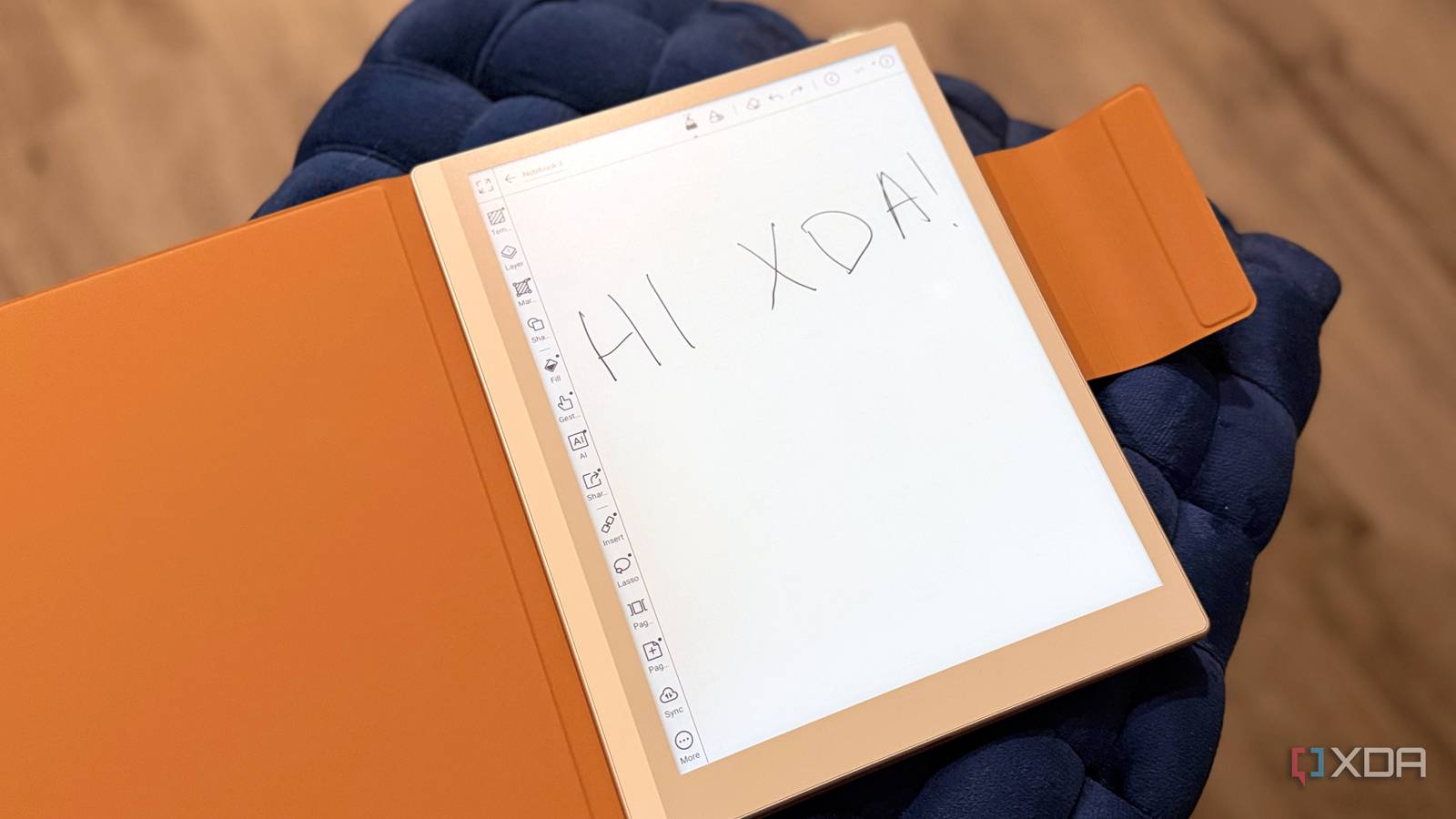
Sharing and syncing notes on the Kindle Scribe is clunky; you’re largely limited to emailing PDF or sending to Amazon’s cloud. Onyx Boox integrates seamlessly with multiple cloud services: OneDrive, Google Drive, Dropbox, and even third‑party sync tools using Android’s file system. Your notebooks can be automatically backed up as PDF or PNG images. You can also set up two‑way sync: take a note on your Boox, and it appears on your phone or computer instantly. For collaborative work or personal continuity, this is a massive upgrade. No more manual exports or worrying about losing your scribbles. Boox treats your notes like digital assets, not afterthoughts.
6. Expandable Storage and Long‑Term Support
Amazon offers fixed storage tiers (16GB or 32GB) with no expansion slot. Boox devices often include a microSD card slot, allowing you to add hundreds of gigabytes—ideal for large PDF libraries, comic archives, or extensive notebooks. Additionally, because Boox runs Android, you benefit from ongoing software updates that are independent of Amazon’s release schedule. While Kindle e‑readers rarely receive major feature upgrades after launch, Boox regularly pushes new Android patches, improvements to the note‑taking app, and bug fixes. The hardware itself is also modular: you can replace the stylus battery or upgrade the screen protector easily. This longer lifecycle makes Boox a smarter investment for power users who want their device to evolve with their needs.
Conclusion: The Kindle Scribe was a promising first step, but its software limitations quickly became apparent. Onyx Boox took the concept and ran with it, delivering an open, customizable, and truly versatile e‑reader that does everything the Scribe promised—and more. Whether you’re a student, researcher, writer, or simply a voracious reader who likes to annotate, Boox gives you the freedom to work your way. With an Android backbone, universal stylus support, and expandable storage, it’s not just an e‑reader; it’s a digital notebook that adapts to you. If Amazon ever decides to unlock its software, the Scribe could catch up—but for now, Boox has already delivered the future of e‑ink note‑taking.